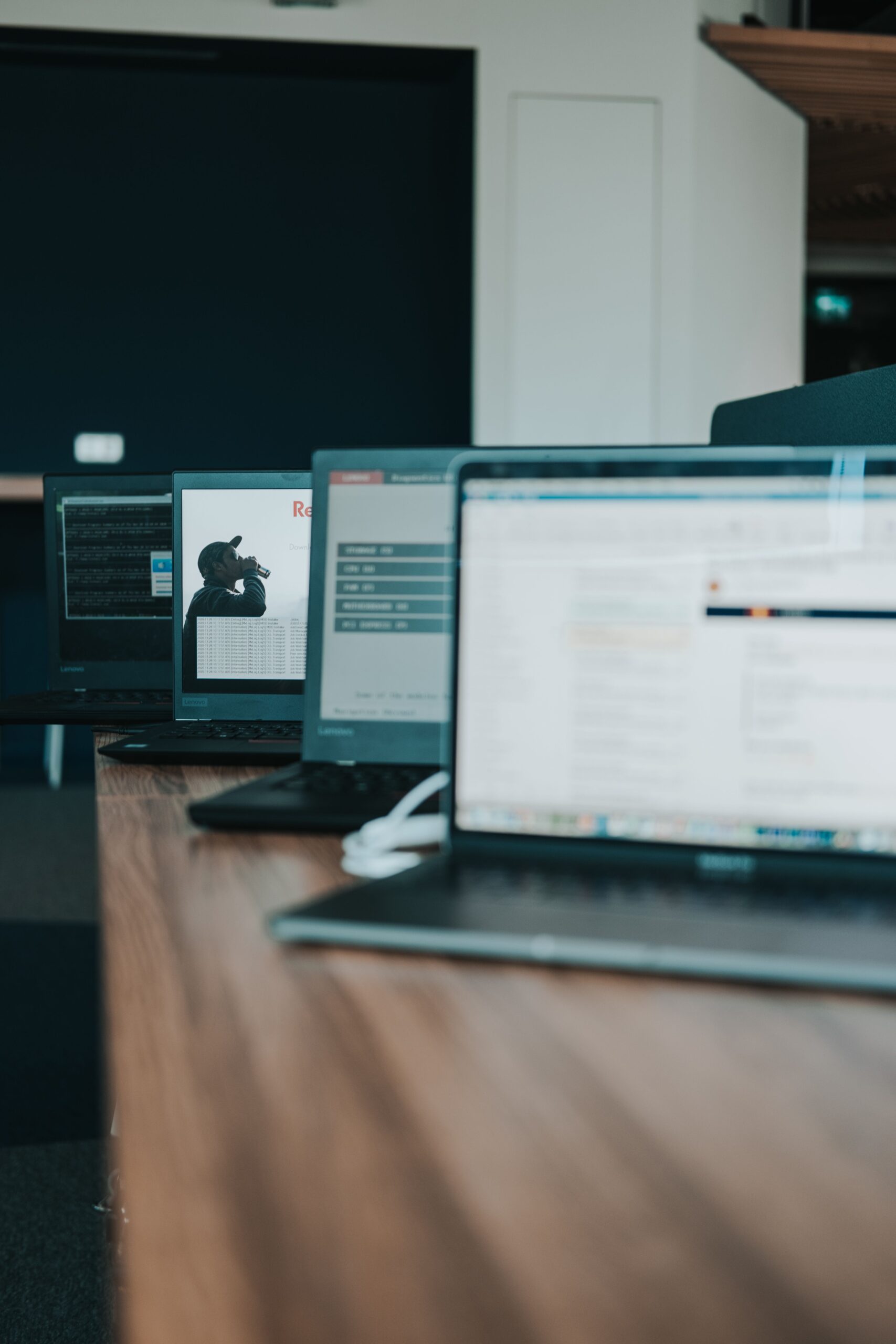
What is a computer? It is one of the most important technological inventions in the modern world. Computers help people communicate, learn, work, solve problems, and process information.
From smartphones and laptops to desktop computers and servers, these devices play an important role in our daily lives.
But what exactly is a computer, how does it work, and what are its main components? In this beginner-friendly guide, we’ll explore the fundamentals of computers.
Understanding what is a computer helps beginners build a strong foundation in digital technology and computer studies
What Is a Computer?
A computer is an electronic device that accepts data as input, processes the data according to a set of instructions, stores information, and produces useful results as output.
In simple terms, a computer takes information, works on it, and gives us a result.
Example: When you enter numbers into a calculator on your computer, it processes the numbers and displays the answer.
A computer is an essential tool in modern education, business, communication, and everyday activities.
For more information about the history of computing, visit the Computer History Museum.
Four Basic Functions of a Computer
Input
A computer receives data and instructions through input devices such as a keyboard, mouse, and microphone.
Processing
The computer works on the received data according to instructions to produce meaningful information.
Output
The computer presents the processed information through output devices such as a monitor, printer, and speakers.
Storage
The computer saves data and information for future use using storage devices such as SSDs, hard drives, and flash drives.
Example: When you type a calculation, the computer receives it (Input), performs the calculation (Processing), displays the answer (Output), and can save the result (Storage).
Understanding how a computer works helps beginners appreciate how data is transformed into useful information.
Main Components of a Computer
Hardware
Hardware refers to the physical parts of a computer that we can see and touch. Examples include the monitor, keyboard, mouse, motherboard, and processor.
Software
Software refers to the programs and instructions that tell a computer what to do. Examples include Windows, Microsoft Word, Google Chrome, and computer games.
Example: Hardware is the physical computer, while software provides the instructions that make it useful.
Types of Computers
Desktop Computer
A desktop computer is designed to stay in one place, usually on a desk. It is commonly used in offices, schools, homes, and businesses.
Laptop Computer
A laptop is a portable computer that can be carried around. It has a built-in screen, keyboard, touchpad, and rechargeable battery.
Tablet
A tablet is a portable computing device that mainly uses a touchscreen for interaction.
Smartphone
A smartphone is a mobile device with computing capabilities. It allows users to browse the internet, run applications, communicate, and perform many computer-related tasks.
Understanding what is a computer and the different types of computing devices helps beginners recognise how technology supports everyday activities.
Advantages of Computers
Computers offer many benefits in our daily lives. Some of their major advantages include:
- Speed: Computers can process large amounts of data very quickly.
- Accuracy: They can produce accurate results when given correct data and instructions.
- Storage: Computers can store large amounts of information for future use.
- Communication: They allow people to communicate through email, video calls, and messaging applications.
- Education: Students can use computers for research, online learning, and completing assignments.
- Automation: Computers can perform repetitive tasks with minimal human intervention.
Disadvantages of Computers
Although computers offer many benefits, they also have some disadvantages:
- Security Risks: Computers can be affected by malware, viruses, and cyberattacks.
- Dependence: Excessive dependence on computers can reduce the development of certain practical skills.
- Health Concerns: Spending too much time using computers without breaks can contribute to eye strain and poor posture.
- Job Displacement: Automation can reduce the need for some types of human labour.
- Technical Problems: Computers can experience hardware failures, software errors, and system crashes.
Conclusion
Computers have become an essential part of modern life. They help us process information, communicate, learn, work, and solve problems. Understanding what a computer is, its basic functions, components, and types provides a strong foundation for learning more about technology.
As technology continues to develop, computer knowledge remains an important skill for education, business, and everyday life.
Learn more about our mission and the educational content we share on our About page.
Amazing content, in fact I have learned about computer with ease❤️